


Convert Image to DST File: Essential Tips for Perfect Stitch Results
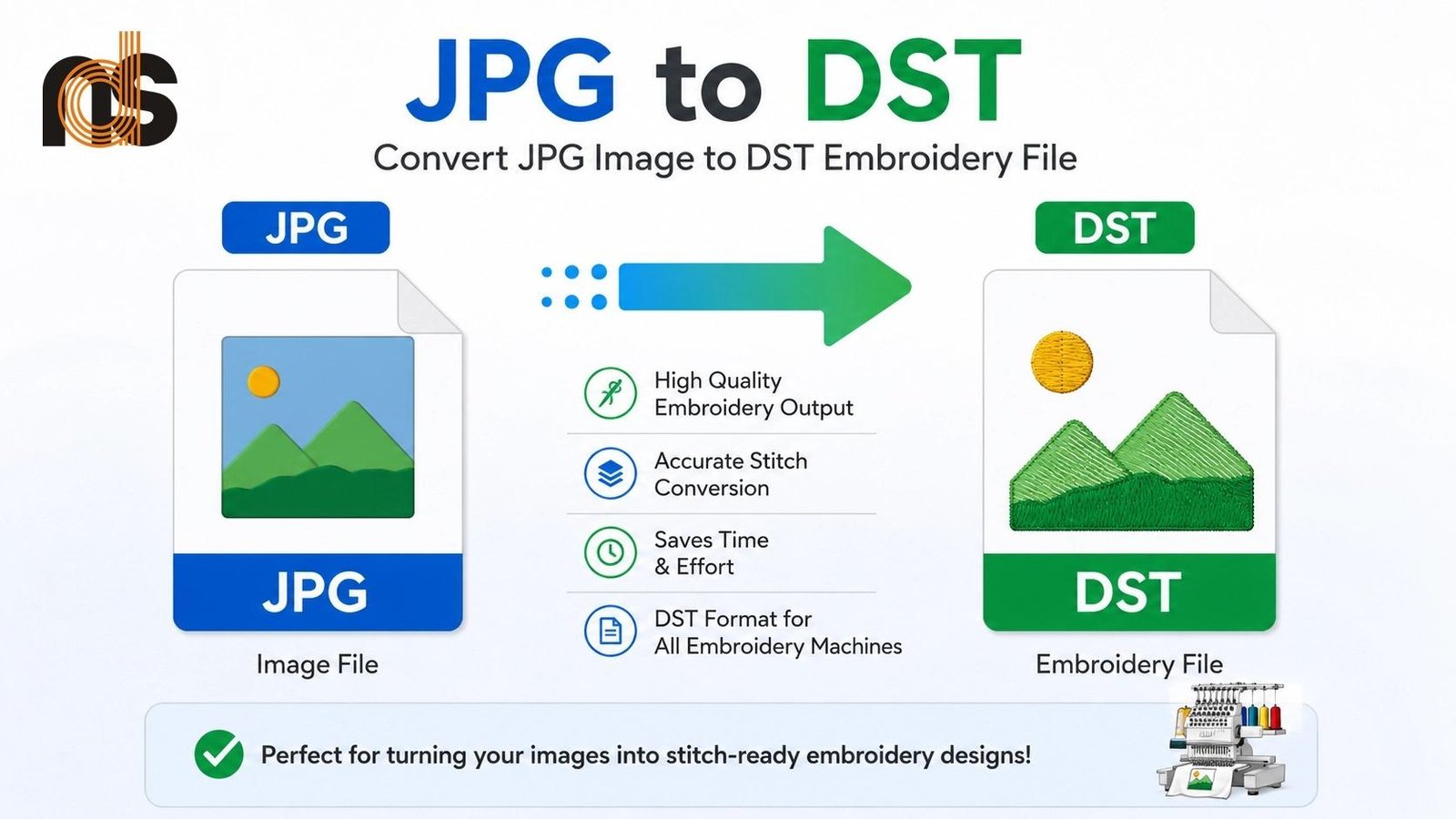
Creating beautiful embroidered designs starts long before your machine begins stitching. If you work with custom apparel, patches, or promotional items, knowing how to convert image to DST file can make or break the final look of your project. DST remains one of the most reliable formats for many industrial embroidery machines, delivering precise instructions that turn good ideas into professional results.
Convert image to DST file is the critical bridge between your digital artwork and flawless stitching. This process involves thoughtful digitizing that considers fabric behavior, thread properties, and design size. When you follow essential tips and best practices, you avoid common frustrations like puckering, thin coverage, or distorted shapes and instead produce clean, durable embroidery that impresses customers and stands the test of time.
Why Proper Conversion Makes All the Difference
Many beginners assume any image can be quickly turned into a stitch file, but the reality is more nuanced. A poorly converted DST file leads to thread breaks, uneven density, and designs that look amateur once stitched. On the other hand, a well-prepared file runs smoothly, uses thread efficiently, and creates rich, professional-looking results that enhance your garments rather than detract from them.
Quality conversion ensures consistency across production runs. Whether you stitch one sample or hundreds of pieces, the same file delivers identical quality. This reliability builds trust in your work and strengthens your brand when customers receive beautifully finished products every time.
Preparing Your Image for Successful Conversion
Start with the highest quality source material possible. Choose high-resolution images with clean lines and strong contrast. Blurry or heavily compressed files create jagged edges that translate into messy stitches. Take time to clean up your design by simplifying colors, removing unnecessary details, and strengthening important outlines.
Scale your image to the actual embroidery size early. What looks perfect on screen at large dimensions can lose impact or readability when stitched small. Consider your final fabric and garment type from the beginning. Stretchy knits, sturdy canvas, and textured fleece each require different approaches, so note these details to guide the conversion process.
Essential Step-by-Step Process to Convert Image to DST File
Import your prepared image into digitizing software as a background reference. Set your hoop size and fabric parameters right away since these choices influence every later decision. Plan your stitching sequence, typically working from center outward or bottom to top to minimize fabric shift.
Begin with a solid underlay foundation. This hidden layer stabilizes the material and helps top stitches sit neatly. Choose underlay styles based on your fabric — more flexible options for stretch materials and firmer ones for stable fabrics.
Next, add outlines using satin stitches for smooth borders and crisp lettering. Adjust column widths carefully so text remains readable without filling in. For larger areas, apply fill stitches with varied angles to prevent pulling and create natural texture. Control density throughout to achieve rich coverage without stiffness.
Apply pull compensation to counteract fabric movement and thread tension. Sequence your colors logically to reduce jumps and trims. Run a stitch simulation to spot potential issues before exporting the final DST file.
Key Tips for Optimal Stitch Density and Coverage
Density is one of the most important factors in achieving perfect results. Too heavy and your design feels stiff or causes puckering. Too light and you end up with patchy, thin areas. Aim for balanced coverage that looks rich while keeping the fabric flexible and comfortable.
Vary density strategically across the design. Use slightly heavier settings on main elements and lighter ones in background areas. This technique adds depth and makes your embroidery more visually interesting while maintaining efficiency.
Mastering Pull Compensation and Shape Accuracy
Fabric naturally shifts during stitching, which can distort shapes if left unaddressed. Proper pull compensation builds small adjustments into the file so circles stay round, letters keep their proportions, and overall designs match your original vision. Test different compensation values on scrap fabric to find what works best for your specific material.
This technique becomes especially important with small text or intricate details. The right adjustments prevent letters from leaning or shrinking and keep fine lines sharp and defined.
Choosing the Right Stitch Types for Different Elements
Match your stitch choices to the design elements. Satin stitches work beautifully for outlines, borders, and lettering because they create smooth, glossy edges. Fill stitches like tatami or patterned fills cover larger areas efficiently while allowing some flexibility.
Experiment with stitch angles in fill regions. Changing direction prevents repetitive patterns and reduces pull in any single direction. For lettering, maintain consistent column widths and smooth connections between characters for maximum readability.
Testing and Refining Your DST Files
Never skip the sample stage. Stitch your converted file on the exact fabric and garment you plan to use. Examine the result closely under normal lighting. Feel the texture, check for puckering, coverage gaps, or stiffness, and evaluate the design from normal viewing distance.
Wash and dry the sample to test real durability. Note any issues and return to your software for targeted fixes. Most designs improve significantly after one or two rounds of testing and refinement. This iterative process is where good files become perfect ones.
Common Mistakes to Avoid During Conversion
Relying completely on automatic tracing tools is a frequent pitfall. These programs provide rough starting points but often ignore fabric behavior and produce stiff or unbalanced results. Always review and refine manually or seek expert input for important projects.
Overcrowding designs with too many colors or microscopic details creates problems. Embroidery has physical limits. Simplify intelligently and focus on what will actually be visible at the stitched size. Another common error involves ignoring fabric properties. Always test on similar material rather than assuming screen appearance will translate directly.
Advanced Tips for Standout Results
Once you master the basics, explore variable density for shading effects and layered underlays for added dimension. Optimize total stitch count to balance beautiful coverage with efficient run times. Create scalable files that work well across multiple sizes without major rework.
Keep detailed notes about successful settings for different fabrics and design styles. This personal reference library speeds up future conversions and improves consistency over time.
Convert image to DST file becomes much easier and more effective when you follow these essential tips. From image preparation through careful testing and refinement, each step contributes to the final professional quality of your embroidery.
Taking time to do things right pays off through smoother production, fewer headaches, and outstanding stitched results that impress customers and build your reputation. Your designs deserve to look their best, and proper conversion ensures they do exactly that.
Start applying these techniques to your next project. Prepare strong artwork, follow structured processes, test thoroughly, and refine based on real samples. You will quickly see the difference in stitch quality and overall appearance of your embroidered pieces.
Whether you create custom team gear, personalized gifts, or branded merchandise, mastering image to DST file conversion gives you greater control and creative confidence. The effort you invest shows clearly in every clean line, balanced fill, and durable stitch.
Embrace the process, stay patient with the learning curve, and enjoy the satisfaction of turning ordinary images into beautiful, professional embroidery that people love to wear and admire. Perfect stitch results are within reach when you approach conversion with care and attention to detail.

 English
 Arabic
 French
 Spanish
 Portuguese
 Deutsch
 Turkish
 Dutch
Dutch
 Italiano
 Romaian
 Portuguese (Brazil)
 Greek
Greek